
UX design is the practice of creating digital and physical products that people enjoy using. It’s about solving real problems for your users and making their experience as smooth and intuitive as possible.
That’s the simple version. But if you’re running a business, you need to understand why UX design matters and how it directly impacts your bottom line.
What Is UX Design, Exactly?
UX stands for “user experience.” It covers every interaction someone has with your product, whether that’s a website, mobile app, software platform, or even a physical service.
A UX designer’s job is to make sure those interactions feel natural, purposeful, and easy. They’re not just making things look pretty (that’s UI design, which is different). They’re figuring out the best way to get users from point A to point B without frustration.
Think of it this way: if you visit a website to buy something, good UX design gets you to checkout in three clicks. Bad UX design makes you hunt around for the buy button, confused about pricing, and wondering if your payment info is safe.
Why UX Design Matters for Your Business
Here’s what most small business owners don’t realize: bad UX design costs you money every single day.
When customers can’t figure out how to use your product, they leave. They go to your competitor instead. They leave negative reviews. They don’t come back.
Good UX design does the opposite. It builds trust. It reduces confusion. It makes customers feel like you actually understand what they need.
If you’re thinking about investing in web design or brand identity work, UX design should be at the center of those conversations. It’s not optional. It’s foundational.
The Key Principles of UX Design
Good UX design follows a few core principles. Understanding these will help you evaluate whether your current products are actually serving your users.
- Useful. Does your product solve a real problem? If it doesn’t, no amount of design will save it.
- Intuitive. Can someone use your product without a manual or tutorial? If not, your navigation is too complicated.
- Visually clear. Is it obvious where to click, what information matters, and what action comes next? Visual hierarchy and spacing matter.
- Fast. Does your product load quickly and respond to user actions without lag? Speed is part of the experience.
- Accessible. Can people with disabilities use your product? Color contrast, font size, and keyboard navigation all factor in.
How UX Design Differs from UI Design
People often confuse UX design with UI design. They’re related, but they’re not the same thing.
UX design is about the overall experience and how things work. UI design is about the visual interface: buttons, colors, typography, spacing.
A good analogy: UX is the blueprint of a house. UI is the paint color and doorknob finish.
Both matter. You need both. But if your blueprint is bad, no paint color will fix it.
UX Design for Websites and Apps
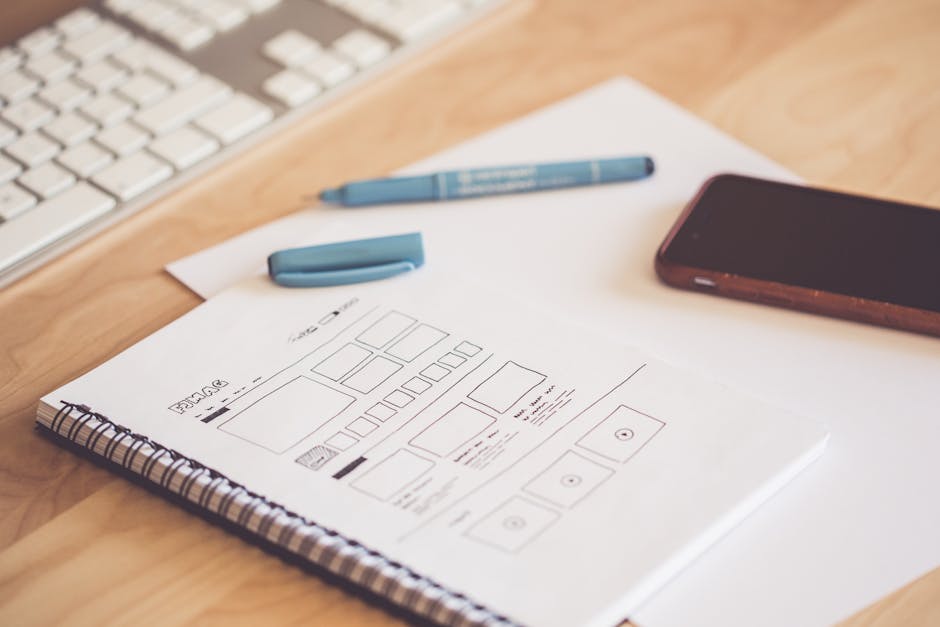
Most of the UX work you’ll encounter as a small business owner happens on your website or app.
A few things UX designers focus on in digital spaces:
- Information architecture (how content is organized and labeled)
- User flows (the path someone takes to complete a task)
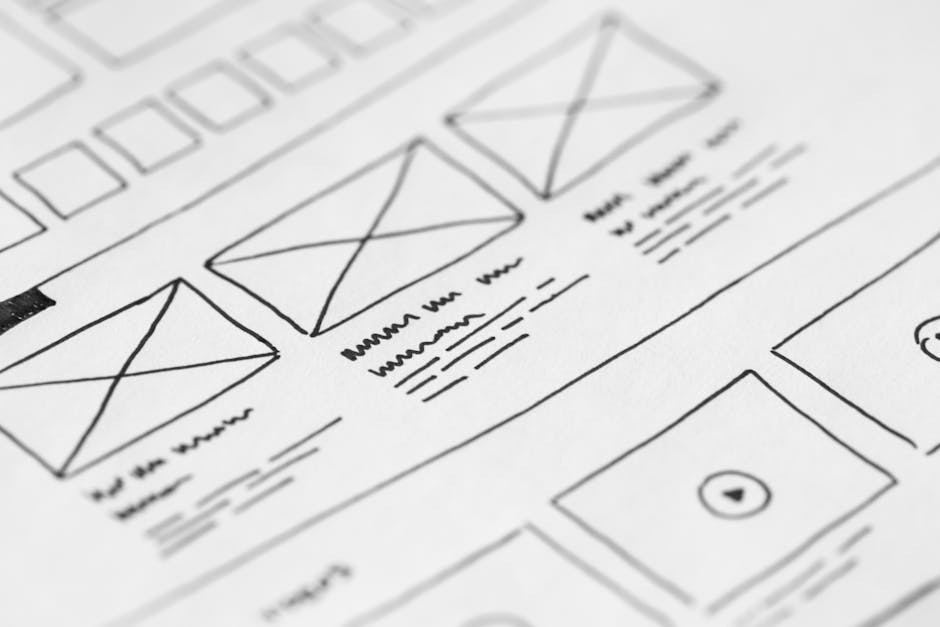
- Wireframing (low-fidelity sketches of layouts)
- Prototyping (interactive mockups to test before building)
- Testing with real users to find pain points
The goal is always the same: make it easy for people to do what you want them to do.
The Role of Design Systems in Modern UX
If you’re scaling your business, you’ll hear about “design systems.” This is where UX gets strategic.
Related: What Is Open Design? A Guide for Modern Teams
Related: What Is Graphic Design? A Business Owner’s Guide
Related: What Is Design? A Practical Guide for 2026
A design system is a set of shared rules, components, and patterns. It ensures your product feels consistent everywhere, whether someone is using your website, app, or social media.
Consistency builds trust. When users encounter the same buttons, spacing, and interactions across all your touchpoints, they feel confident. They know what to expect.
If every page of your website works differently, users get lost and frustrated. Design systems prevent that.
How to Start Improving UX on Your Own Products
You don’t need to hire a full UX team to start thinking like a UX designer.
First, watch how people actually use your product. Sit with a customer while they navigate your website. Where do they get stuck? Where do they click the wrong thing? That friction is gold. It tells you exactly what to fix.
Second, simplify. Remove anything that doesn’t serve a clear purpose. Most websites and apps have too much stuff competing for attention. Less is almost always better.
Third, test your changes. Small tweaks to button placement, wording, or layout can have huge impacts. Make one change at a time and measure the result.
If this sounds overwhelming, that’s normal. UX design involves strategy, psychology, and technical skill. Many small business owners benefit from working with professionals who understand both the design side and the business side. Dekree Studio helps with web design and brand strategy if you’re ready to take it seriously.
UX Design in 2026: The Role of AI
The UX design field is evolving fast. Designers are now using AI tools to speed up parts of their workflow, from generating layout options to testing designs with thousands of simulated users.
This doesn’t replace human judgment. It augments it. A good designer still needs to understand your business, your users, and your goals. AI just handles the repetitive grunt work faster.
For your business, this means professional UX design is becoming more accessible and faster to execute. That’s a win if you’re trying to launch products or iterate on what you have.
Common UX Design Mistakes to Avoid
Before you invest in UX work, know what doesn’t work.
- Designing for yourself, not your users. You know your product inside and out. Your customers don’t. What’s obvious to you is invisible to them.
- Ignoring mobile users. If your site or app doesn’t work on phones, you’re losing customers. Period.
- Too many options. More choices sound good in theory. In practice, they paralyze users. Simplify the decision.
- Unclear calls to action. If you want people to sign up, buy, or contact you, make that button obvious. Don’t bury it.
- Slow load times. Every extra second someone waits is another chance they click away.
How UX Design Connects to Your Marketing
Here’s the thing most marketers miss: great marketing gets people to your website. Good UX design turns them into customers.
You can spend thousands on ads and social media, but if your landing page is confusing, you’re wasting money.
The best approach combines both. You need compelling marketing messages (content, ads, branding) and a frictionless experience when people actually arrive.
That’s why businesses that think about UX early win. They spend their marketing budget more efficiently because their product actually converts visitors. If you’re planning a rebrand or website redesign, this is the moment to get UX right from the start. Dekree Studio specializes in web design and brand identity with this integrated approach in mind.
Key Takeaways
- UX design is about making products that users actually want to use.
- It’s different from UI design, which handles the visual layer.
- Good UX means useful, intuitive, visually clear, fast, and accessible experiences.
- Consistency across touchpoints builds trust and reduces confusion.
- You can start improving UX right now by observing how users interact with your product.
- AI is making professional UX work faster and more efficient in 2026.
Frequently Asked Questions
Is UX design only for websites?
No. UX design applies to any product or service where someone interacts with what you’ve created. That includes mobile apps, software platforms, physical products, and even customer service processes. The principles are the same: make it useful, intuitive, and enjoyable.
How long does it take to improve UX on an existing product?
It depends on how much needs changing. Small tweaks to buttons or navigation can happen in weeks. A complete redesign takes months. Start with observing real users to identify the biggest pain points, then fix those first.
Can I do UX design myself without hiring a professional?
You can start by learning the basics and testing with real users. But UX design requires specific skills in research, strategy, and design tools. For serious results, especially as your business grows, working with someone experienced saves time and prevents costly mistakes.
What’s the difference between UX and CX (customer experience)?
UX is focused on the product itself: how someone interacts with your website, app, or software. CX is broader and includes the entire customer journey: marketing, sales, support, and beyond. Good UX is part of good CX, but they’re not identical.