
UI UX design is the foundation of any product people actually want to use. But here’s the thing: most people mix up UI and UX or treat them like they’re interchangeable. They’re not.
UI is the stuff you see and click on. The buttons, colors, fonts, spacing, and layout of your website or app. UX is the entire journey someone takes when they use your product, from the moment they land on it to when they complete their goal. Both matter. One without the other leaves you with a product that looks pretty but doesn’t work, or works well but feels broken.
If you’re building something new or redesigning what you have, understanding the difference between UI and UX design is your first step to creating something your customers actually love. Here’s how to think about it.
UI Design: The Visual Layer
UI stands for User Interface. It’s everything your user sees and interacts with on the screen.
Related: Banner Design: How to Create Effective Banners Fast
Related: Border Design: Types, Uses & How to Apply Them
Related: Principles of Design: 12 Core Rules Explained
Related: Basics of UX Design: A Practical Guide for 2026
Think of the buttons on your website, the color of your login form, the spacing between text, the icons, the typography, the hover effects. That’s all UI. UI designers decide what the product looks like and how users interact with individual elements.
Good UI design is clean, consistent, and intentional. Every color choice, every button size, every animation should serve a purpose. Bad UI design is confusing, inconsistent, and frustrating.
Here’s a practical example: you’re building an e-commerce site. The UI designer decides that your “Add to Cart” button is bright orange, 16px tall, positioned in the bottom right of the product card. They pick a sans-serif font for product names and a serif font for descriptions. They decide what happens when someone hovers over a price or clicks a filter. All UI.
UX Design: The Full Experience
UX stands for User Experience. It’s everything about how someone feels when they use your product.
UX design starts way before anyone sees your interface. It starts with research. A UX designer asks questions like: Who is using this? What are they trying to do? What problems are they running into? What’s stopping them from reaching their goal?
Then they map out the entire journey. Not just one screen, but every step from discovery to completion. They test with real users. They watch where people get stuck. They redesign based on what actually works, not what looks good.
Back to the e-commerce example: the UX designer figures out that people abandon carts because the checkout process requires creating an account. So they simplify the checkout flow. They remove unnecessary form fields. They let users buy without an account. That’s UX. The UI designer then makes those decisions look good on the screen.
Why You Need Both
Here’s where most small businesses get stuck. They hire someone to make their site look better (UI) but don’t spend time understanding why users are leaving (UX). Or they build something that works perfectly but it looks outdated and people don’t trust it.
You need both. A beautiful interface that doesn’t solve your users’ problem is useless. A perfectly functional product that looks broken is also useless.
The right approach is problem-first. Start by identifying what your users actually need. Map out their journey. Remove friction. Then make it look polished and professional.
If you’re not sure where to start with your own product, Dekree Studio can help you audit your current design and build a roadmap for improvement.
The UI UX Design Process That Works

A solid UI UX design process has a few key steps. Skip any of them and you’re guessing.
Step 1: Research and Discovery
Talk to your users. Find out what they’re trying to do and where they get stuck. This is not optional. You can’t design for people you don’t understand.
Step 2: Define the Problem
Write down the actual problem you’re solving. “Our website is slow” is not a problem. “Users abandon their cart because the checkout takes 12 steps” is a problem. Be specific.
Step 3: Map Out the User Journey
Draw every step from when someone discovers you to when they complete their goal. Look for friction points. Where do people drop off? Where are they confused? This is your roadmap for improvement.
Step 4: Design the Solution
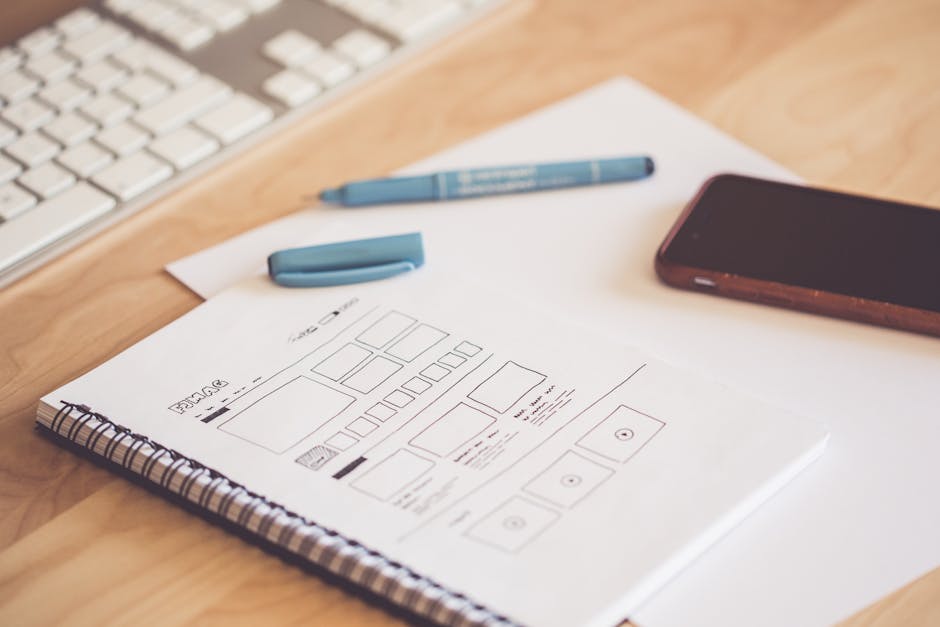
Now you design. Start with wireframes (low-detail sketches that show layout and flow). Then move to high-fidelity mockups (detailed designs that show colors, fonts, and polish). Test both with real users before you build.
Step 5: Test and Iterate
Launch your design. Watch how people use it. If something isn’t working, change it. Good design never stops improving.
Modern Considerations for UI UX Design
Today’s design work is more complex than ever. Your product needs to work on phones, tablets, desktops, and sometimes wearables. It needs to be fast. It needs to feel personalized. And if you’re in a regulated industry, it needs to meet compliance requirements.
AI is changing how UX works too. You can now deliver personalized experiences at scale. Show different content to different users based on their behavior. Learn what resonates with each segment and adjust in real time. That’s a UX superpower if you use it right.
If your product is enterprise or B2B, the design challenge is even bigger. You’re not designing for one person. You’re designing for workflows, teams, and complex use cases. The bar for UX is higher because people use your product to do their actual job.
That’s why hiring the right design partner matters. Look for someone who understands your specific situation, not just someone with a pretty portfolio. Dekree Studio works with small businesses and founders to design products that actually solve problems.
Common UI UX Design Mistakes to Avoid
Don’t design for yourself. Design for your users. Your preferences don’t matter. What works for your audience matters.
Don’t skip research. You can’t guess what people want. Talk to them. Watch them use your product. Let the data guide your decisions.
Don’t prioritize beauty over function. A gorgeous design that confuses users is worse than no design at all. Function first, polish second.
Don’t forget about mobile. If your design doesn’t work on a phone, you’ve lost half your users. Mobile-first design isn’t optional.
Don’t launch and ghost it. Design is not a one-time project. Keep testing, keep improving, keep learning what works. The products people love are the ones that never stop evolving.
When to Hire Help for UI UX Design
If you’re a founder or small business owner running lean, you might be tempted to DIY this. That’s usually a mistake.
Good UI UX design requires specific skills and methodology. It’s not the same as being good at PowerPoint or having an eye for aesthetics. It’s a discipline that takes training and experience.
If your product is critical to your business, if you have real users depending on it, or if you don’t have someone on staff with design expertise, bring in a professional. The cost of getting it wrong is almost always higher than the cost of getting it right from the start.
When you’re ready to level up your design, Dekree Studio specializes in web design and brand identity that actually works for small businesses and founders. We start with your problem, not our portfolio.
The Bottom Line
UI UX design is not a luxury. It’s a business necessity. The way your product looks and works directly affects whether people use it, trust it, and come back.
Start with understanding your users and their problems. Then design something that solves those problems beautifully. Test it. Improve it. Never stop.
What’s the difference between UI and UX design?
UI is the visual interface. Buttons, colors, fonts, layout. UX is the entire user experience. How someone feels when they use your product and whether they can reach their goal. UI is one piece of UX.
Can one person do both UI and UX?
Yes, but it’s rare. UX requires strong research and problem-solving skills. UI requires design and technical skills. Some designers are strong at both, but most specialize in one. For best results, have both skills represented on your team.
How do I know if my UI UX design is working?
Watch your users. Can they complete their goal without getting confused? Do they come back? Do they recommend you to others? Are your conversion rates improving? If the answer is yes, it’s working. If no, there’s still room to improve.
How much does good UI UX design cost?
It depends on the complexity of your product, how many platforms you support, and whether you need ongoing design work. Instead of guessing at pricing, talk to a design partner about what you’re building and they can give you a real estimate.