
Banner design is one of the fastest ways to grab attention and communicate your message across multiple platforms. Whether you’re promoting a product, announcing an event, or building brand awareness, a well-designed banner does the heavy lifting for you.
The good news? You don’t need years of design experience to create professional banners. Modern design tools have made it simple for anyone to build banners that look polished and on-brand. Let’s walk through what makes banner design work and how to build effective ones yourself.
Related: How to Create a Strong Brand Identity in 2026
What Banner Design Actually Is
A banner is a visual graphic designed to communicate a specific message in a limited space. Banners show up everywhere: as social media headers, website ads, event signage, email headers, and more.
The magic of banner design is its versatility. You’re not locked into one use case. A single banner template can work across social platforms, print materials, and digital ads. That flexibility saves you time and keeps your messaging consistent.
Banner design is fundamentally about clarity and visual hierarchy. You need a headline, supporting text or image, and a call to action arranged so viewers understand your message instantly.
Choose a Platform with Template Libraries
The fastest route to professional banner design is starting with templates. Pre-designed layouts handle the hardest part: layout, typography, and spacing. You just swap in your colors, text, and images.
Look for design platforms that let you customize templates without touching complicated software. You should be able to drag text boxes around, swap background images, and adjust colors easily. If you’re spending 30 minutes fighting the tool instead of creating, you picked the wrong one.
Templates also solve a huge problem: consistency. When you build multiple banners from the same template family, your brand looks intentional. Your audience sees the same visual language across campaigns, which builds recognition faster.
Focus on Banner Design Elements That Work
Every effective banner includes a few core elements. Get these right and your banner will perform better.
Headline: This is the one thing viewers need to understand. Keep it short, specific, and benefit-focused. “Summer Sale” is weak.
Supporting image or visual: People process images faster than text. Use a photo, illustration, or graphic that reinforces your headline. Avoid generic clip art; use images that actually represent your product or message.
Color contrast: Your text needs to pop against the background. If your text and background are similar colors, people won’t read it. High contrast isn’t boring; it’s readable.
Call to action: Tell people what to do next. “Learn More,” “Shop Now,” “Sign Up” beats leaving viewers guessing. Make your CTA button color stand out from the rest of your banner.
Whitespace: Don’t cram everything into your banner. Empty space makes your message clearer, not weaker. Whitespace is a design tool.
Customize Without Needing Design Skills
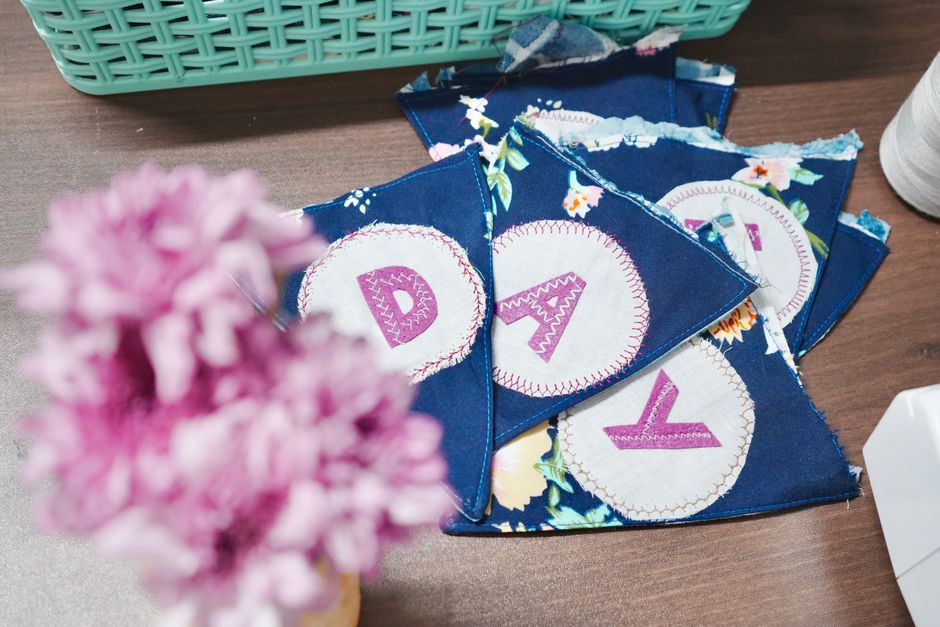
Banner design tools let you modify templates in minutes. You can add your logo, change text, swap background colors, and upload your own images without learning software or design theory.
Start by picking a template that matches your vibe. If it’s close but not perfect, don’t leave it. Tweak it. Change the text color to match your brand palette. Swap the background image. Replace the headline with your actual message.
The best part about modern design tools is they handle a lot of the technical work for you. You don’t need to know about font pairing or color theory. The template already solved those problems. You’re just personalizing.
If you’re building multiple banners for a campaign, create your first one, then duplicate it. Use the same template, same fonts, same color palette. Swap only the image and headline. This takes 5 minutes per banner instead of 20, and everything stays on-brand.
Decide Between Digital and Print Banners
Banner design works for both online and physical spaces. Digital banners live on websites, social media, and email. Print banners hang at events, in stores, or outdoors.
The design process is almost identical, but a few specs change. Digital banners need optimized file sizes so they load fast. Print banners need higher resolution so they look sharp up close.
When you’re setting up your banner in a design tool, check the dimensions first. Social media header? That’s one size. Website sidebar ad? Different size. Print banner for an event? Different again. Get the size right before you start designing, or you’ll waste time resizing later.
Most design tools let you set up your banner at the correct dimensions from the start, then export it for any use you need. This is where banner design becomes efficient. One file, multiple formats.
Speed Up Banner Production With a Repeatable Process
If you’re creating banners regularly for campaigns, social media updates, or seasonal promotions, a repeatable process saves hours.
Build a template system: pick your fonts, colors, and layout once. Then reuse that structure for every banner. Your first banner takes 45 minutes. Your second takes 10. By your tenth, you’re creating banners in 5 minutes.
Document your brand guidelines for banner design. Which fonts do you use? What colors are on-brand? What size should your logo be? Write this down. If you ever need help or bring someone else into the process, they’ll stay consistent with your existing work.
Related: Basics of UX Design: A Practical Guide for 2026
Related: Border Design: Types, Uses & How to Apply Them
Related: UI UX Design: What It Is and Why It Matters
Related: Principles of Design: 12 Core Rules Explained
If banner creation is slowing down your marketing, Dekree Studio can take this task off your plate. We create custom banner designs for campaigns and handle the repetitive work so your team focuses on strategy instead.
Maintain Brand Consistency Across Campaigns
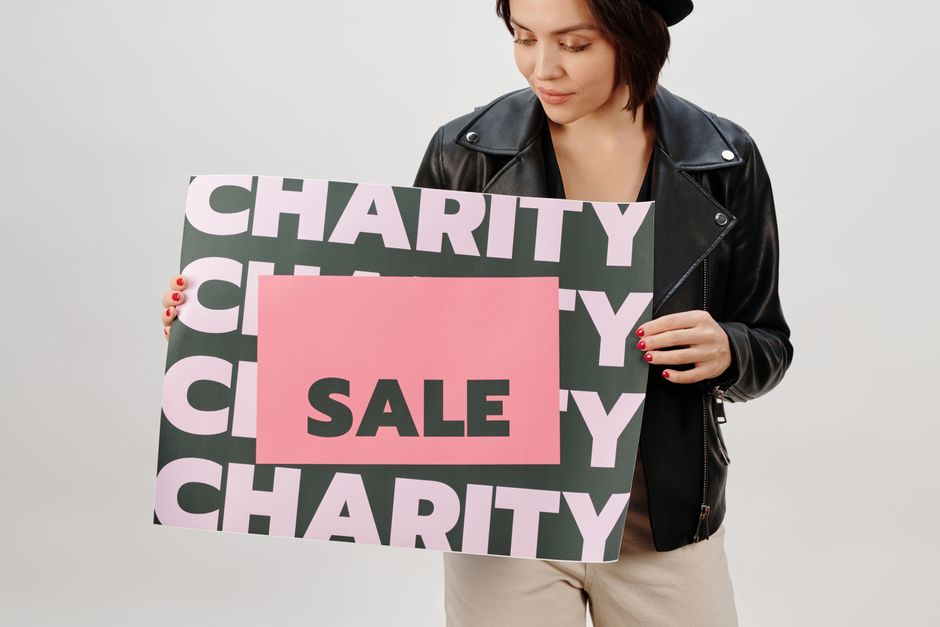
One banner looks okay. Five banners that don’t match each other look disorganized.
Banner design is where brand consistency pays off. When every banner uses the same fonts, colors, and logo placement, your audience recognizes your brand faster. This matters on social media, where people scroll past hundreds of images daily. A consistent visual style makes you memorable.
Use the same template family for all banners in a campaign. If you’re running an email series with banner images, use the same layout for each one. Change the image and copy, keep everything else consistent. Your audience will notice the pattern, and it reinforces who you are.
This is also why starting with templates is smart. Templates enforce consistency automatically. You’re not making different layout choices for each banner. The template structure is the same; you’re just changing the content.
Export Your Banners in the Right Format
After your banner design is done, you need to export it correctly. Digital banners typically go out as PNG or JPG files. Print banners often need PDF or high-resolution export options.
Check where your banner will live before you export. A web banner can be smaller and compressed. A print banner needs higher resolution. Most design tools let you choose your export settings, so you’re not creating multiple versions of the same file.
If you’re uploading banners to social media, the platform might have specific size requirements. Instagram headers are different from Facebook covers, which are different from LinkedIn banners. Design tools usually have presets for these platforms, which saves you from guessing.
Export once with the right settings and you’re done. No resizing, no reformatting, no back-and-forth with designers.
When to Bring in Professional Banner Design
Banner design tools work great for straightforward projects: social media headers, simple promotional banners, seasonal announcements. But some projects benefit from professional design work.
If you’re launching a major campaign with dozens of banner variations, custom photography, complex brand integration, or highly targeted messaging, that’s when professional design speeds things up. A designer can create a cohesive system where you swap variables instead of building each banner from scratch.
If you’re uncertain about your banner strategy, inconsistent with your design work, or too busy to handle it yourself, Dekree Studio can help you plan and execute banner design that aligns with your brand identity and campaign goals.
Should I use templates or hire a designer for banner design?
Use templates for routine banners, quick updates, and straightforward messages. Hire a designer when you need custom artwork, complex layouts, a full campaign system, or you don’t have time to do it yourself. Templates let you move fast; designers let you move strategically.
What size should my banner be?
It depends on where your banner lives. Social media headers, website ads, email headers, and print signage all have different dimensions. Most design tools have presets for common banner sizes, so you pick the platform and the tool sets the size for you. Always check your platform’s specifications before you start designing.
Can I use the same banner design everywhere?
Not exactly. A Facebook banner is a different size than a website header banner, which is different from a print banner. But you can use the same template layout and just adjust the dimensions. The design stays consistent; the canvas changes based on where it’s used.
How long does it take to create a banner design?
A simple banner from a template takes 15-30 minutes once you have your copy and image ready. A more complex design with custom elements takes 45 minutes to an hour. Batch work speeds this up; creating five similar banners takes less time total than creating them one at a time.